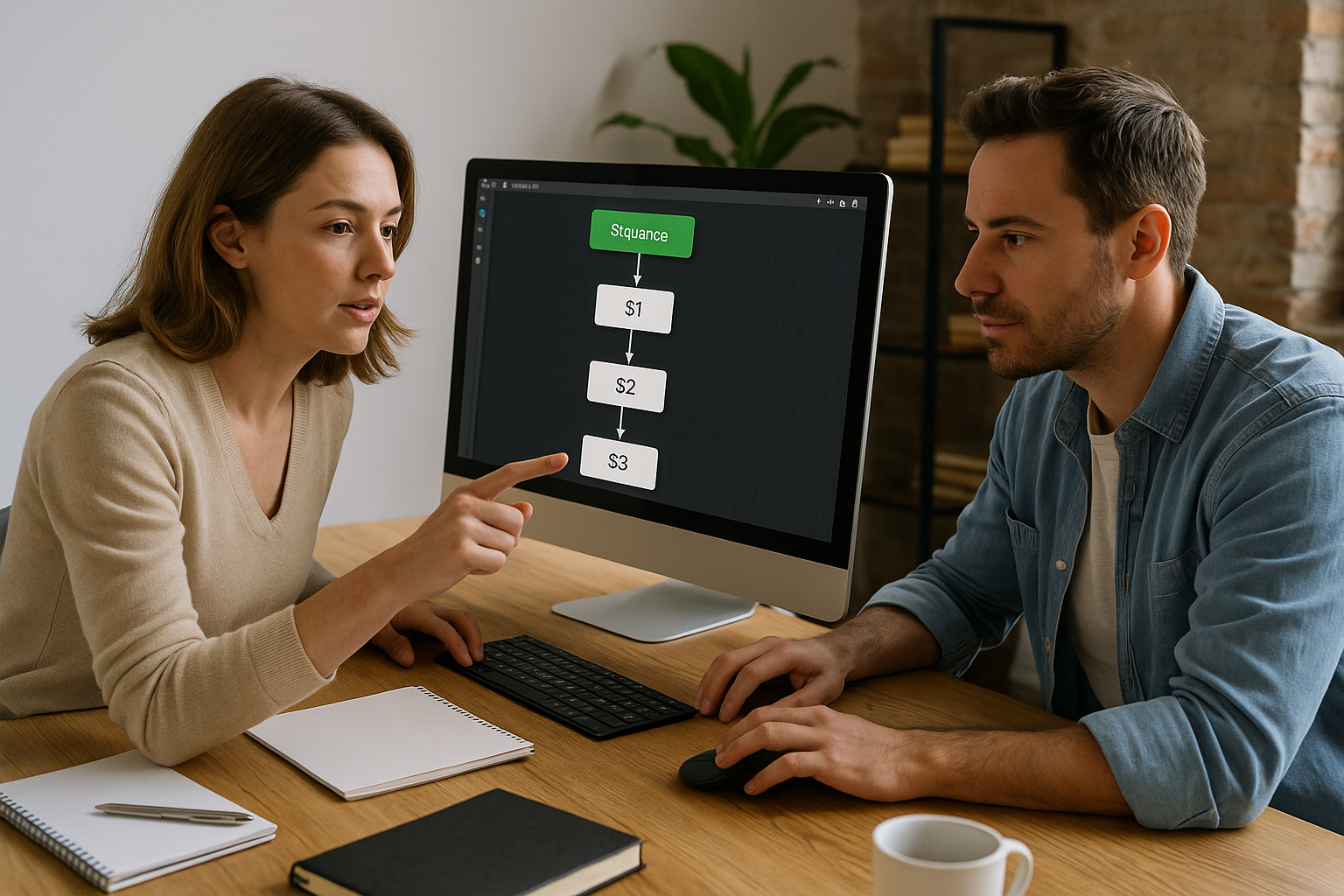
The Open Web Page VTS Editor feature transforms your module into a connected learning hub. Business procedures, knowledge bases, SaaS simulators, forms, video portals, or internal tools: everything that lives outside the module becomes accessible at the right moment, without adding weight to your training setup. From a pedagogical standpoint, it supports just-in-time learning and real-world anchoring, two well-known levers for effective training (see Vanderbilt University – Just-in-Time Teaching and UNSW – Cognitive Load Theory). For training and HR teams, the module remains lightweight, sustainable, and trackable.
Why and When to Use the “Open Web Page” Block in VTS Editor
The Open Web Page block launches a URL in the default browser, can add the score parameter if the option is enabled, and immediately triggers its exit (the VTS graph continues). This gives you control over the storyline while connecting the learner to your digital ecosystem.
- Just-in-time: access to helpful resources at the moment of need, without re-authoring content inside the module.
- Realism: leverage actual tools (price simulator, product configurator, knowledge base).
- Continuous updates: offload your “living content” to the sites that manage it.
- Traceability: correlate link use (UTM) with LMS/SCORM results using VTS Perform.
Configure the “Open Web Page” Block in VTS Editor
Refine and Personalize the URL
Enter the full https address and point to the most specific page (deep link, anchor, filter). It saves time and reduces drop-off. If you are using Variables from the INTEGRAL plan, build dynamic links: https://support.company.com/guide?user={idLearner}&module={idModule}&lang={projectLanguage}. Encode special characters and test before deployment: redirects (301/302), potential interstitials (cookie consent, SSO), access outside VPN.
Explore the full potential of the tool on the VTS Editor – Authoring Software page, and compare options (including Variables) on the VTS Editor Subscriptions page.
Automatically Add Score and Other Parameters
Enable the option that adds ?score=value (or &score=value if the URL already has parameters). Useful cases:
- Pre-fill a feedback form with the score.
- Route to a page adapted to the level (low score → help; high score → challenge).
- Correlate VTS performance with qualitative feedback in a CRM or spreadsheet.
Data best practices: document your parameter scheme (score, pseudonymized idLearner, idSession) and avoid plain-text personal data. Prefer a pseudonymized identifier (hash) or a technical ID.
Anticipate Browser Behavior and Ensure Smooth User Experience
The block opens the system browser. Depending on the environment (e.g., Chrome), external pop-ups may be blocked. Add a short message: “An external page will open. If blocked, please enable pop-ups and redirects for company.com.” Test flows on Windows/Mac and, if your modules are accessed on mobile, check iOS/Android compatibility (tabs, cookies, video playback, etc.).
Security, GDPR, and Analytics
- Restrict to controlled HTTPS domains (organization/partners).
- Add standard UTM parameters for analytics (
utm_source=vts_editor&utm_medium=module&utm_campaign=project_name). - Periodically verify your links (HTTP 200, redirects, 4xx/5xx errors).
- For secure integrations (POST/JSON, authentication), use the Web Request block instead.
For GDPR compliance, see the CNIL’s definition of pseudonymization: CNIL – Pseudonymisation.
Practical Use Cases for the Open Web Page Block
Onboarding and HR Compliance
Open the IT charter (intranet/SharePoint), then trigger reading acknowledgment via an external form. The score option transmits the level of understanding. Upon return, validate with a micro-activity in VTS (e.g., scenario “A colleague asks for your password, what do you do?”) to assess content engagement and application.
Customer Support and Knowledge Bases
In a serious game for advisors, link to the internal FAQ “Premium Refunds” (deep link, correct anchor) to find the exact clause. On return, ask the clause code (Text Input), then award a Score. Use theme-based UTM tags to identify the most consulted topics and enrich the scenario.
Sales and Product Configurators
For commercial skills development, open an online pricing configurator. Brief before opening: “Create a quote for 120 licenses with SSO and 24/7 support; write down the price and discount.” On return, validate with a Numeric Input and reinforce with a Quiz on objections.
HSE: Safety and Risk Management
Link to an approved external risk calculator from your IS. Pre-fill the URL with {siteId} and {role} to filter the interface. Upon return, use a quick True/False as a cognitive checkpoint. Cross-reference UTM usage with LMS results via VTS Perform.
Video Microlearning and Media Portals
If your videos are hosted on an internal platform (updates, subtitles, chapters), open them externally. This avoids republishing the module with every update. Test autoplay, mobile controls, and bandwidth, then include a Summary Slideshow to reinforce key takeaways. For research on microlearning, see this higher education review: SpringerOpen – Microlearning: a scoping review.
Assessments and Feedback
At the end of a module, redirect to a survey (NPS, open comments) passing score and idSession (pseudonymized). On return, award a Badge for completion (e.g., good faith engagement via Phrase Choice).
UX, Accessibility, and Troubleshooting with the Open Web Page Block
Orchestrate Before, During, and After
- Before: explain why you’re exiting, what action is expected, and the estimated time.
- During: let the graph continue if relevant, but avoid any critical content.
- After: provide a quick test or summary to consolidate learning.
Mobile, iOS, and Accessibility
Target responsive and fast pages (limited scripts, compressed media, CDN). Check iOS policies on pop-ups, cookies, and media (an explicit Play button is often required). Follow WCAG accessibility standards: W3C WAI – WCAG.
Stay on Track with Open Web Page VTS Editor
- Before opening, insert a Message or Talk block that outlines the task and how to return.
- Add a Checkpoint just before as a clean return point in case of dropout.
- On return, recapture attention through a micro-activity (True/False, Quiz, Phrase Choice).
Testing Checklist and Backup Plan
- Test: HTTP codes, parameter encoding, score addition, browsers (Chrome/Edge/Firefox/Safari), desktop and mobile, cookie banners, SSO redirects, clear messaging before/after.
- Log: maintain a link table with expected results, review quarterly.
- Plan B: if the page doesn’t open, display the URL in plain text (copy-paste), or duplicate essential info as a VTS Resource (Edit Resources + Open Resource). As a last resort, use Return after a Checkpoint.
Open Web Page or Media in the Scene?
- Goal is immersion (display image/video in scene): use Media in the Scene.
- Goal is action/interaction with an external service (form, simulator, platform): use Open Web Page.
Go Further with VTS Editor
Combine the Open Web Page block with Message (brief/debrief), Checkpoint (safety anchor), Edit Resources/Open Resource (contextual guidance), and Web Request (technical integrations). To progress quickly:
- Follow a certification course: VTS Editor Training & Support.
- Request a personalized demo: Request a Demo.
- Try the suite for free for 30 days: Try Virtual Training Suite.
By making the web a natural extension of your scenarios, Open Web Page VTS Editor offers always up-to-date content, a smooth experience, and enhanced evaluation. Your module becomes an intelligent entry point to your company’s digital ecosystem: learners gain autonomy, training teams retain control over the experience, and HR teams get a solution that’s engaging, measurable, and sustainable.
Recommended Next Steps
- Establish a stable URL template and parameter scheme (
score, pseudonymizedidSession, UTM). - Draft a multi-browser, multi-OS testing protocol (SSO, cookies, performance, mobile accessibility).
- Storyboard before, during, and after web page openings: clear objective, precise instruction, hot validation upon return.