Transforming a business objective into interactive learning is a recurring topic for training managers, HR managers, and instructional designers. You have a need expressed as a KPI (reduce errors, improve satisfaction, lower risks, speed up a process) and, sooner or later, one question comes back: how do you design an experience that truly changes behaviors in the field, instead of simply informing?
The challenge isn’t producing a module. The challenge is producing a scenario that trains the decision, the gesture, or the posture at the exact moment when the error occurs in real life. An informational module can be clear, well-structured, and pleasant, but if it doesn’t put the learner in a position to act, it will remain fragile in the face of stress, interruptions, tool constraints, or performance pressure. In other words, it doesn’t “hold up” in real life.
The goal of this article is to give you a structured, reusable, field-oriented method to move from the business objective to an actionable learning objective, then to a measurable interactive scenario. You can apply it to sales, customer service, compliance, safety, management, IT, industry, or support functions.
Transforming a business objective into interactive learning: the step-by-step method
Why a business objective doesn’t automatically become a learning situation
A business objective is expressed in the language of the company: expected result, risk, constraint, deadline, performance. An effective learning objective is expressed in the language of behavior: observable actions, success criteria, critical errors, feedback. If you simply translate a KPI into a knowledge objective (for example: “Understand the importance of…”), you often create content that reads well but transfers poorly to day-to-day work.
Let’s take a classic example: “Reduce data entry errors by 30%.” An informational module will explain the consequences of errors, the rules, maybe screenshots. Yet in the field, the error appears when there’s a spike in activity, an interruption, an ambiguous field, a mental shortcut, or productivity pressure. A useful interactive learning situation doesn’t just ask learners to know, it trains them to decide: “What do I check? In what order? With which tool? And what do I do if I’m not sure?”.
Interactivity is therefore not a “special effect.” It is used to build a reasoned automaticity: diagnose, prioritize, communicate, apply a rule in a realistic context, then receive feedback that explains the why, not just the what.
What you are going to build concretely
You will follow a simple approach in 3 blocks:
- Clarify the business objective to extract an actionable learning objective
- Script a realistic situation: context, role, decisions, consequences, feedback
- Measure and improve: skills, assessment, replayability, field iterations
This structure answers frequent questions from L&D teams:
- “How can we be sure training will impact the KPI?”
- “How do we choose what must be interactive and what can remain informational?”
- “How do we avoid an unmanageable explosion of branches?”
- “How do we prove effectiveness to management?”
Simple definition: an interactive learning situation
An interactive learning situation is an experience where the learner plays a realistic role and must act in a constrained context. It combines a trigger (an event that forces action), a choice or an action, consequences, and feedback. The major difference from a “click to continue” module is that the click is not the goal: the decision is the learning.
To go further on learning by doing, you can also consult our dedicated page: Learning by Doing.
From the business objective to the learning objective: the framing that prevents going off-topic
Clarify the KPI: indicator, target, scope
Before producing a scenario, stabilize your need the way you would when scoping a project. If the framing is fuzzy, the evaluation will be fuzzy, and the legitimacy of the training will be contested.
Ask yourself four simple questions:
- Which KPI needs to move, and how is it measured (audits, reported incidents, customer feedback, IT tickets, non-compliances, scrap…) ?
- What target and what timeframe?
- Which population actually controls a significant part of the KPI?
- In what specific context does the error occur?
Example: you receive a request to “reduce post-delivery complaints.” Your framing becomes more useful if you discover that complaints rise mainly during seasonal peaks, that information is incomplete, and that the level 1 support team improvises instead of using an escalation procedure. You already have a storyline direction: an irritated customer, time pressure, missing info, and an escalation decision.
Identify the key behavior to train (rather than the content to deliver)
This is often the hardest shift: moving from “what we need to say” to “what we need to have people do.” The KPI moves when a behavior changes in a given situation. Your learning objective must therefore be phrased in terms of observable action: what the learner will do differently tomorrow.
To get there:
- Ask an expert: “When everything goes well, what exactly do you do?”
- Then: “What are the typical mistakes?”
- Spot 3 or 4 determining micro-decisions
Example in GDPR compliance: the business objective is “reduce data-sharing incidents.” The key behavior is not “know GDPR.” It’s rather “verify identity before any disclosure” and “politely refuse and offer a secure channel.” In an interactive scenario, you train posture and wording, not only the rule.
To structure your analysis, distinguish:
- Skill (durable and transferable): diagnose, prioritize, communicate
- Task (concrete action): open history, check a field
- Procedure (rules and steps): checklist, approval workflow
- Posture (interpersonal): calm down, reframe, rephrase
Define success: observable criteria and critical errors
You are preparing the scoring and, above all, the feedback. A good interactive situation is built like a performance test: you need to know what is “successful” and what is “dangerous.”
Observable criteria must be visible in an action or a sentence. For example: “Ask two clarification questions before proposing a solution,” “Stop the operation if there’s an alarm,” “Log the decision in the tool.” Avoid criteria that are too vague (“Be professional”), unless you translate them into behaviors.
Critical errors are your guardrails. In some jobs, an error is not recoverable. Classifying errors as forbidden, risky, acceptable helps you build a realistic progression: the learner understands that some decisions have an immediate cost.
Choose the right level of interactivity
Should everything be turned into a serious game? No. Choose the level of interactivity based on risk and the targeted behavior:
- Information: set the frame, the vocabulary, the rule
- Practice: practice decisions with feedback and the right to make mistakes
- Assessment: validate or certify, especially on critical decisions
In practice, you often get the best result by combining: a short context-setting (information), one or more scenes (practice), then a final case (assessment) that “feels like the real thing.”
Designing a business objective into interactive learning: scenario, decisions, and feedback
Start from a “work moment”: trigger, context, constraints
An effective scenario starts with a realistic trigger. Not a school-like intro, but an event: a customer calls, an alarm goes off, an incident occurs, a case gets stuck, a non-compliance appears. You are looking for the moment where, in the field, the learner must think and act.
Then add:
- Credible context: place, tools, people present
- Constraints: limited time, interruptions, partial information, managerial pressure
These constraints make the skill necessary. Training without constraints trains people to be competent only in an ideal world.
Define the learner’s role (to avoid the “spectator” effect)
If the learner doesn’t feel responsible, they become passive. Clearly define:
- Who they are (job, mission)
- Their level of autonomy
- Their power to act (what they can decide, escalate, refuse)
Then write the pedagogical intent of the scene in one sentence. Examples:
- “In this scene, the learner must secure first before trying to go fast.”
- “In this scene, the learner must diagnose by asking the right questions before proposing a solution.”
Build the decision arc: useful branches (without an explosion of complexity)
In practice, aim for 3 to 7 meaningful decisions per situation. Below that, it’s too simple. Above that, cost and maintenance rise quickly.
Each decision must be tied to a learning objective: diagnosis, prioritization, communication, compliance, escalation, tool choice. Then, for each decision, build:
- Immediate consequences (customer reaction, alert, blockage, progression)
- Delayed consequences (complaint, incident, audit, lost sale)
Avoid branches that boil down to “Wrong answer, try again.” Prefer a micro-correction, a consequence, then an intelligent return to a new attempt or a short detour that enriches the experience.
Write simple, actionable dialogs
In a role-play, dialog is not a story. It’s a decision lever. Each sentence must trigger an action: ask a question, rephrase, announce a delay, reframe, escalate.
To make it credible, add obstacles: objections, missing info, contradictions, pressure. Example: a customer says “I want to speak to your manager.” The learner must choose wording that calms and frames: acknowledge the emotion, clarify the need, propose a concrete plan and, if needed, escalate at the right time.
Design feedback that helps learners progress (and not just “right/wrong”)
Feedback is the centerpiece. Without feedback, the learner can “play” without understanding. With feedback, they build an action logic.
Effective feedback combines 4 levels:
- Emotion: the character’s reaction, tension rising or easing
- Facts: what happens in the situation
- Explanation: why it happens, which rule applies
- Transfer: the best practice to reuse
Keep feedback short and directly linked to the decision. If the learner makes a mistake, offer a brief correction and an opportunity to replay. Replaying is not punishing: it’s practicing the right move at the right time.
From a scientific standpoint, the effectiveness of practice with feedback is well documented. To go deeper, you can consult:
- Kluger & DeNisi (1996) — The effects of feedback interventions on performance
- Bjork (1994) — Memory and metamemory considerations in the training of human beings
Making the business objective into measurable interactive learning: scoring, data, improvement
Link each decision to a skill
To prove that the role-play trains the right skills, use a mini-matrix decision → skill → criterion. No need to list 12: for one case, 2 to 5 skills are enough.
Examples:
- Prioritization → priority management → “handles the high risk first”
- Wording → communication → “rephrases + proposes a plan”
- Traceability → compliance → “records the action in the tool”
Put assessment “in the flow”: score, thresholds, adaptive path
Measuring doesn’t mean turning the experience into a constant exam. Measuring means linking decisions to simple indicators: a score by skill, success thresholds, and immediate-fail rules for critical errors.
Define thresholds that are easy to explain:
- Overall success
- Minimum level per skill
- Eliminating errors (safety, compliance, major risks)
Then adapt the path:
- If success: quick debrief, then a slightly more complex case
- If difficulty: targeted remediation on the weak skill, then replayability
- If critical error: learning stop, explanation, guided restart
To link training and workplace performance, you can also refer to a foundational review on training evaluation: Alliger & Janak (1989) — Kirkpatrick’s levels of training criteria.
Plan replayability to anchor behaviors
Replayability helps consolidate the right reflexes. But it must remain useful: the goal is not to redo the same scene identically (otherwise you memorize), but to vary the context while training the same skill.
You can vary:
- The customer/interlocutor profile
- Time pressure
- Available information
- One procedure parameter
Two simple levers work very well:
- Case variation: same skill, different context
- Evolving feedback: guided at first, shorter afterward
Test, observe, improve (field loop)
An interactive role-play is managed like a product: test, observe, improve. Have it tested by a subject-matter expert and by a beginner:
- The expert should say: “it’s realistic”
- The beginner should say: “I understand why I’m wrong”
Watch for:
- Choices that are too obvious or too tricky
- Too much information at once
- Feedback that is too long or too theoretical
- A consequence inconsistent with the field
Adjust quickly (instructions, options, decision order, level of guidance), then re-test.
Standardize a template to produce faster
To deploy at scale, you need a template. Without a template, each new project starts from scratch, validations are long, and quality varies. With a template, you speed up and harmonize.
A simple template can fit into 7 sections:
- KPI brief
- Learning objective (behavior)
- Scene description
- Key decisions
- Feedback
- Skills-based assessment
- Test and iteration plan
Moving from KPI to role-play: the thread to remember
Transforming a KPI into an interactive experience means organizing a logical path:
- From KPI to behavior: what must change in real action
- From behavior to scenario: a realistic work moment with decisions, consequences, feedback
- From scenario to measurement: skills, thresholds, adaptive learning, field iteration and standardization
If you remember only one idea: interactivity is not there to entertain, but to practice important decisions in a constrained context, then make the link between choice, consequence, and best practice visible. That’s how the business objective becomes an interactive learning situation that has a concrete impact in the field.
To go further with Serious Factory:
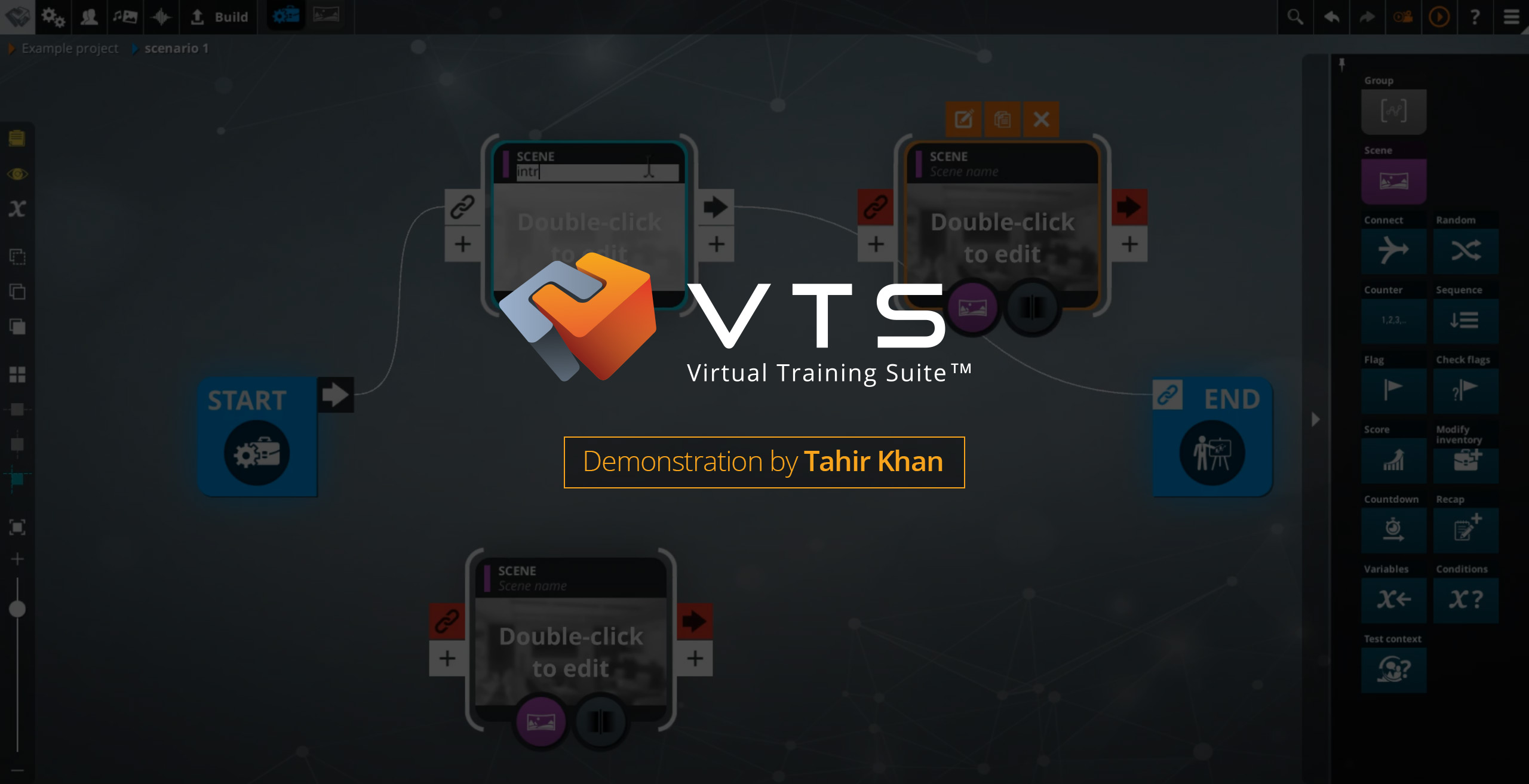
- Discover the authoring tool: Design software for gamified E-Learning modules made easy with AI
- Understand the format: Interactive Role Play
- See real-world examples: Client Cases – Discover their success with Virtual Training Suite
- Request a trial: Try Virtual Training Suite
Main key phrase (reminder): business objective interactive learning.