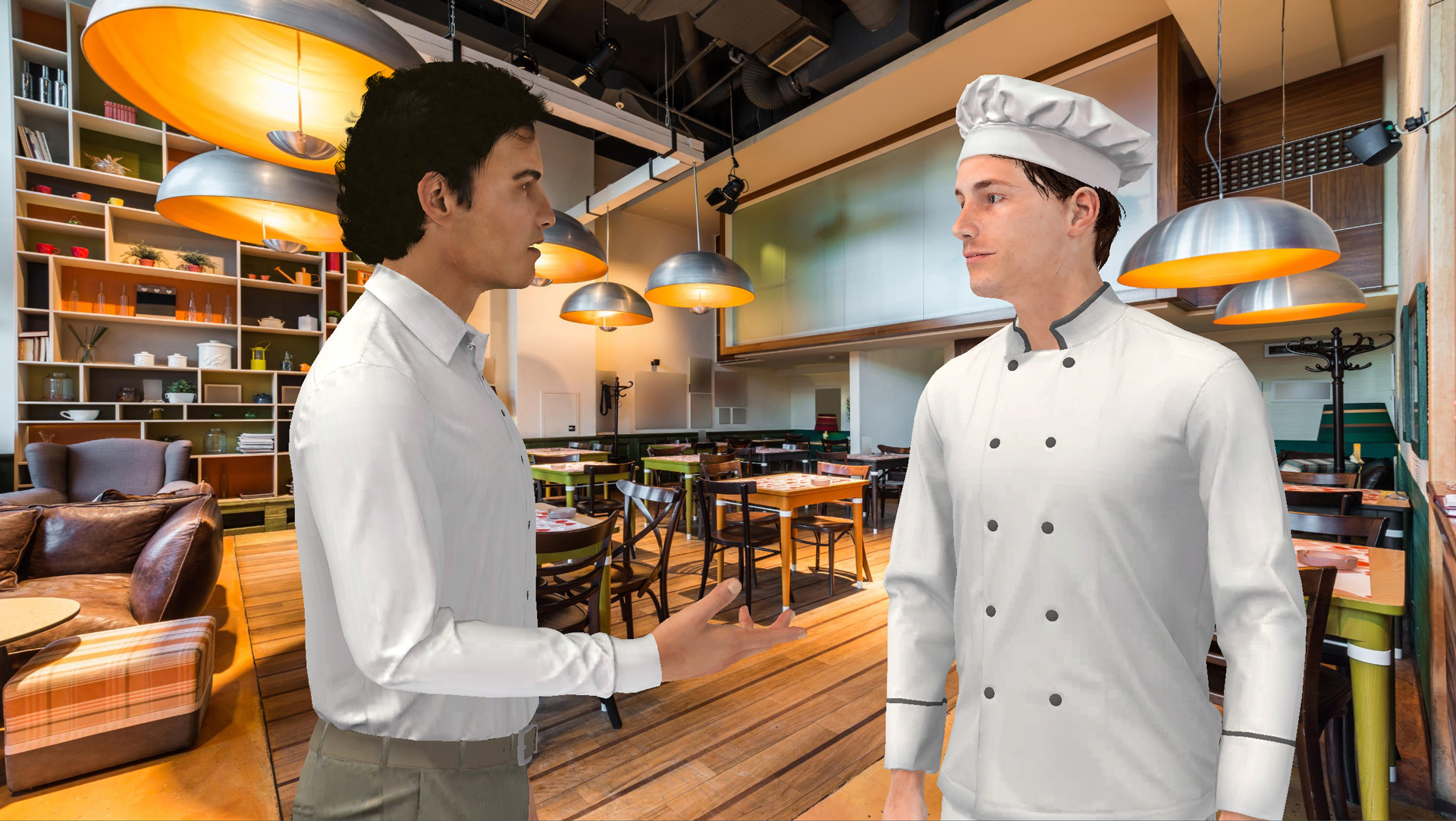
Humanize Your E‑Learning Modules with VTS Editor’s Character Animation Training managers, instructional designers, HR professionals: you want more engaging learning paths without extending your production schedule. With VTS Editor’s character animation, you add the often-missing non-verbal layer: gestures, postures, and micro-movements that emphasize speech, capture attention, and make your scenarios...
Creating an e-learning module is easy. Creating one that truly leaves a mark is much harder.We often think that good content and a user-friendly tool are enough to deliver effective online training. But in reality, most modules come and go… and are quickly forgotten. Why do some formats stick in...
Creating an e-learning module quickly In many companies and training organisations, there is not enough time to design effective e-learning modules.Requests often come in urgently: a new procedure, regulation, onboarding... The goal is to move fast while maintaining a minimum level of instructional quality.Creating an e-learning module should not be...
Optimize Your E-learning Modules with the VTS Editor Recap Block For a training manager, instructional designer, or HR director, the value of a module goes beyond the final score. The VTS Editor Recap Block provides clear evidence of what occurred during the activity and facilitates debriefing. It generates, on the...
Why the VTS Editor Quiz Block Boosts the Effectiveness of Your E-Learning Modules In an e-learning approach, the VTS Editor Quiz Block is not a simple “checkpoint.” It acts as a catalyst for active learning, personalized paths, and data-driven management. With the VTS Editor Quiz Block, you combine rich interactions,...
Why the Reset Block in VTS Editor Is a Game-Changer for Your E‑Learning Modules If you’re managing digital training, you’re looking for both pedagogical efficiency and a smooth user experience. The VTS Editor Reset Block meets both goals: it restarts an interaction “as new” without affecting the rest of your...
Why the VTS Web Request Block Is Transforming Your E‑Learning Modules For training managers, instructional designers, or HR leaders, two key challenges often recur in digital learning: data reliability (tracking, compliance, governance) and the customization of learning paths (profiles, permissions, goals). The VTS Web Request Block connects your experiences to...
Why Use the True/False E-Learning Block in VTS Editor In a context where training managers, HR teams, and instructional designers need to demonstrate the impact of learning paths and maintain engagement, the True/False block in VTS Editor becomes a simple yet powerful tool. This True/False e-learning activity presents the learner...
Boost Your E-Learning with the AI Block in VTS Editor For training managers, instructional designers, or HR leaders, two questions often arise: how to keep learners engaged over time, and how to prove the training’s impact on skills? Generative artificial intelligence — built-in via this block — provides a simple...
Optimize Your E-Learning Modules with the VTS Modify Resources Block You’ve created PDFs, checklists, sheets, and videos… but they are often accessed at the wrong time. The VTS Modify Resources block in VTS Editor solves this by making your aids visible at the right moment, with a notification badge on...