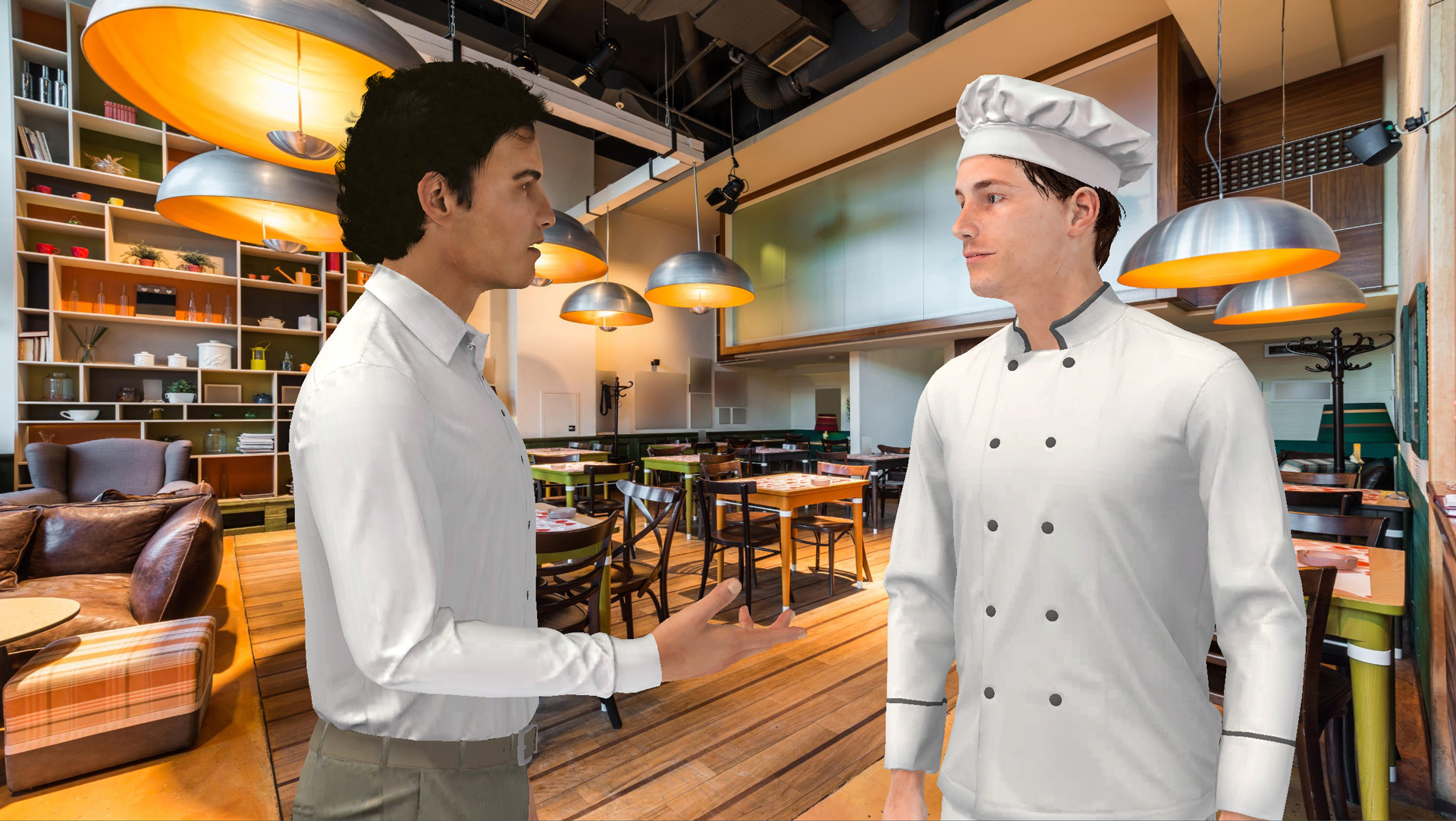


To create immersive dialogues in VTS Editor that develop soft skills, reinforce practices, and sustain engagement, the Talk block is your best ally. It synchronizes eye contact, emotions, synthetic voice, and conversation rhythm to simulate a real human interaction—no technical skills needed. Follow this guide to fine-tune your lines, write...

Adapt Your E-Learning Modules by Language Using the VTS Editor Condition Block Globally, a single skill often comes in multiple languages, each with its own context and rules. The VTS Editor Condition block allows you to automatically guide each learner to the right language version, with no scripting or complexity...
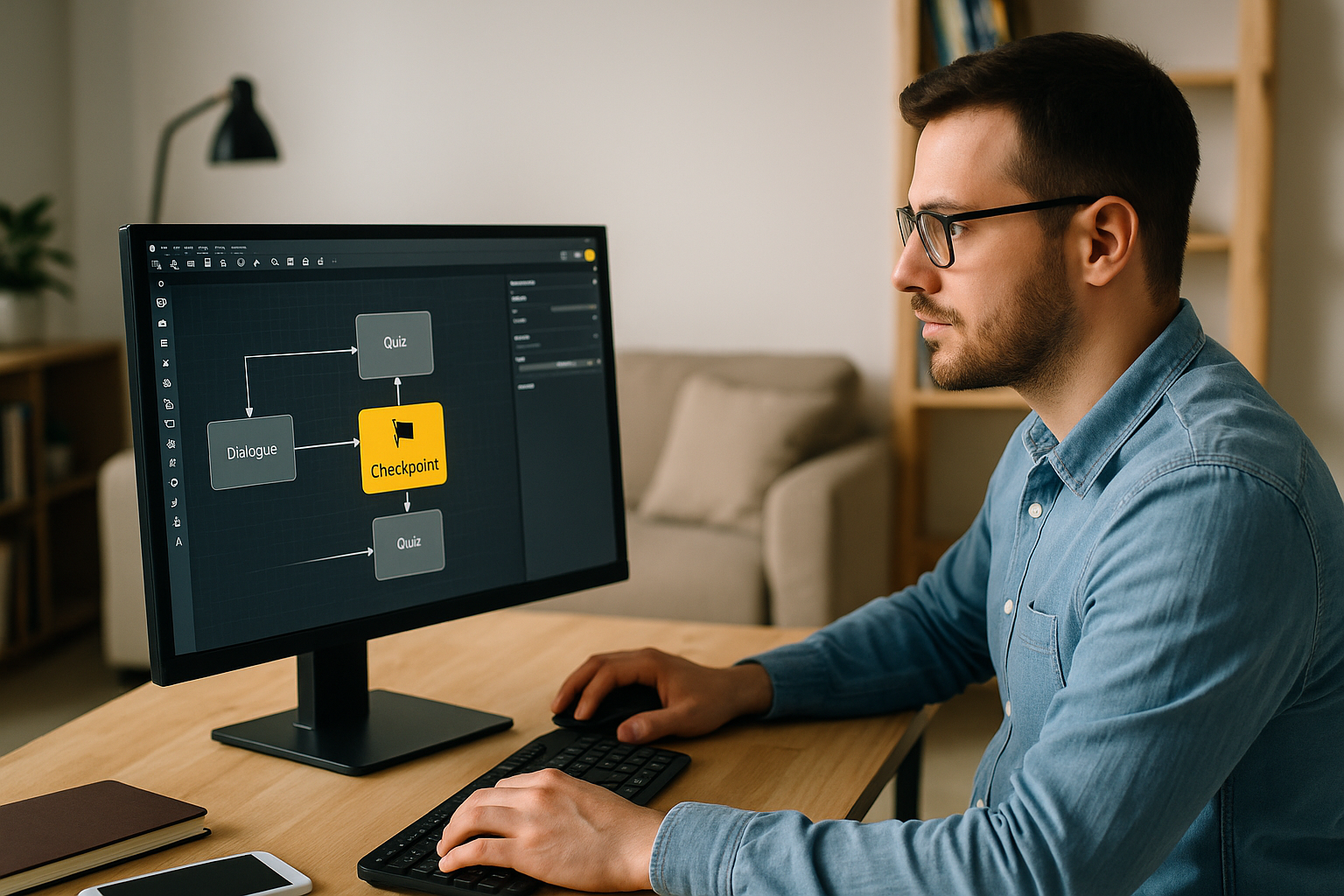
To design smooth and engaging e-learning modules, the VTS Editor Checkpoint block is an invaluable ally. It helps mark key stages, avoids frustrating “back to the beginning of the chapter” loops, and simplifies project maintenance. The result: learners are more engaged, and graphs are clearer—no advanced technical skills required. Learn...
Boost E-Learning Engagement with the Message Block in VTS Editor As a training manager, instructional designer, or HR pro, your challenge isn’t just creating content—it’s capturing attention, ensuring understanding, and prompting learners to take the right action at the right time. In a digital journey, unclear instructions or foggy transitions...
Enhance E-Learning Engagement with the VTS Editor Gaze Block In immersive modules, attention is captured within seconds. The VTS Editor Gaze Block acts like a spotlight: a character’s gaze directs focus, gives meaning to action, models expected behaviors (listening, confidence, hesitation), and reduces cognitive load by minimizing verbal instructions. This...
Why the Teleport Block in VTS Editor Is Changing E‑Learning Navigation For a training manager, instructional designer, or HR manager, an e‑learning module must be easy to navigate, flexible, and memorable. The VTS Editor Teleport block meets these requirements by offering clear and permanent access points, especially useful in non-linear...
Humanize Your E‑Learning Modules with VTS Editor’s Character Animation Training managers, instructional designers, HR professionals: you want more engaging learning paths without extending your production schedule. With VTS Editor’s character animation, you add the often-missing non-verbal layer: gestures, postures, and micro-movements that emphasize speech, capture attention, and make your scenarios...
Improving E-Learning Navigation with the VTS Editor Go Back Block For a training manager, instructional designer, or HR professional, one question often arises: how do you give learners freedom without losing them? The VTS Editor Go Back Block addresses this challenge. In modern e-learning modules and serious games, exploration is...
Why Choose the Speak Block in VTS Editor to Humanize Your E-learning Modules Context and Challenges of Interactive E-learning E-learning is no longer limited to static slides and basic quizzes. Today, it’s about creating engaging, memorable, and immersive learning experiences. The goal is to maintain the learner’s attention: Immersion: video,...