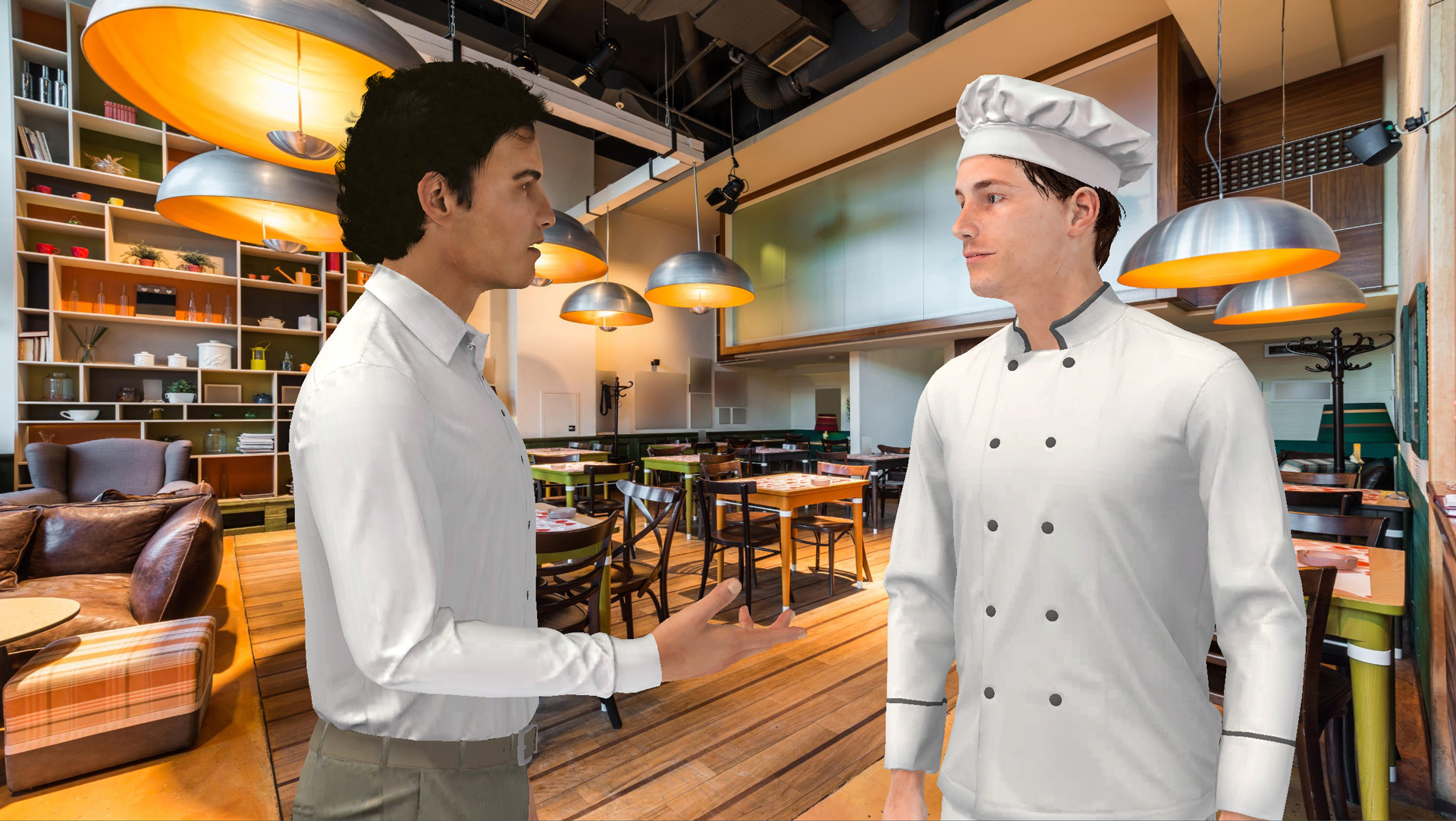
Enhance E-Learning Engagement with the VTS Editor Gaze Block In immersive modules, attention is captured within seconds. The VTS Editor Gaze Block acts like a spotlight: a character’s gaze directs focus, gives meaning to action, models expected behaviors (listening, confidence, hesitation), and reduces cognitive load by minimizing verbal instructions. This...
Your learners are engaged, progressing, achieving goals… what if their efforts were recognized in a meaningful and rewarding way ? With the integration of Open Badges into VTS Perform, you now have a powerful tool to certify and showcase acquired skills. These digital badges, secure, verifiable, and easy to share, offer...
Why the Teleport Block in VTS Editor Is Changing E‑Learning Navigation For a training manager, instructional designer, or HR manager, an e‑learning module must be easy to navigate, flexible, and memorable. The VTS Editor Teleport block meets these requirements by offering clear and permanent access points, especially useful in non-linear...
Humanize Your E‑Learning Modules with VTS Editor’s Character Animation Training managers, instructional designers, HR professionals: you want more engaging learning paths without extending your production schedule. With VTS Editor’s character animation, you add the often-missing non-verbal layer: gestures, postures, and micro-movements that emphasize speech, capture attention, and make your scenarios...
Creating an e-learning module is easy. Creating one that truly leaves a mark is much harder.We often think that good content and a user-friendly tool are enough to deliver effective online training. But in reality, most modules come and go… and are quickly forgotten. Why do some formats stick in...
Creating an e-learning module quickly In many companies and training organisations, there is not enough time to design effective e-learning modules.Requests often come in urgently: a new procedure, regulation, onboarding... The goal is to move fast while maintaining a minimum level of instructional quality.Creating an e-learning module should not be...
Optimize Your E-learning Modules with the VTS Editor Recap Block For a training manager, instructional designer, or HR director, the value of a module goes beyond the final score. The VTS Editor Recap Block provides clear evidence of what occurred during the activity and facilitates debriefing. It generates, on the...
Training managers, instructional designers, HR professionals: to move from passive e-learning to an experience where the learner takes action and makes progress, the VTS Editor Clickable Zones block is an immediate lever. Hotspots turn a scene into an exploratory space. Each click becomes a tested hypothesis, each piece of feedback...
Gamified E-Learning: How the VTS Editor Badge Block Boosts Motivation In digital training, the same roadblocks often arise: reduced attention span, interruptions, isolation, difficulty tracking progress. The result: disengagement, low completion rates, and superficial learning. With the VTS Editor Badge Block, you make micro-achievements visible, mark out the learning path,...
Boost Engagement in E‑Learning with VTS Editor's Scenery Interaction Block As a training manager, instructional designer, or HR professional, you're aiming to reduce passivity, increase completion rates, and connect your content to job performance. With the scenery interaction block in VTS Editor, a “nice but static” set design comes to...