Why the VTS Editor Numeric Keypad Boosts Your E‑Learning Modules With increasing pressure on timelines and the need to demonstrate effectiveness, the VTS Editor Numeric Keypad transforms simple input (code, PIN, OTP, value) into an engaging, trackable micro-activity. No technical or graphic design skills required—you can create interactions that prompt...
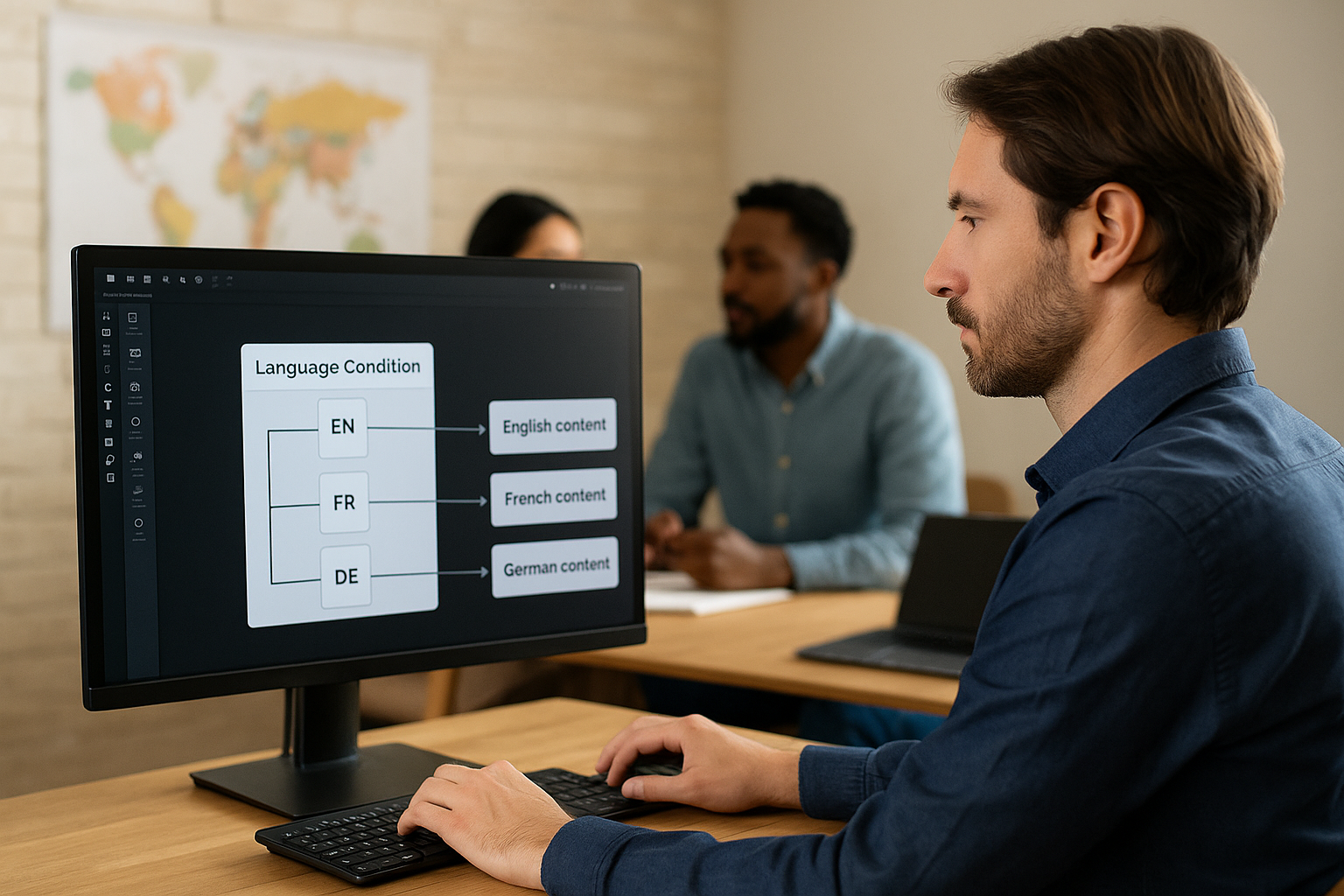
Switch E-Learning Block: Simplify Your Learning Paths with Logical Branching You manage a training catalog and need to adapt content based on user profiles, levels, and results—without turning your flowchart into spaghetti. The Switch E-Learning Block in VTS Editor is the perfect routing tool: it replaces a cascade of conditions...
Grab Learners' Attention Right from the Start with VTS Editor Text Animation In many modules, users lose focus due to the lack of clear visual cues. VTS Editor’s Text Animation solves this by displaying a full-screen, non-skippable animated title and subtitle to introduce the upcoming content and training objective. This...
Why Connect the VTS E-learning AI to Your VTS Editor Modules If you're managing an internal academy, a skills development plan, or content production, you're likely seeking more engagement, better personalization, and measurable productivity gains. The VTS E-learning AI addresses all three concerns. Connected to VTS Editor through the AI...
Mastering the Wait Block in VTS Editor to Pace Your Training Courses Training managers, instructional designers, and HR professionals all face tangible challenges: how to prevent attention drops after just a few minutes, how to string together voiceovers, videos, and interactions without screen “jumps”, how to introduce pauses at the...
Serious Factory joins the Fosway 9-Grid 2025: a strong recognition in the field of digital learning. The Fosway 9-Grid 2025, the leading European benchmark for digital learning solutions, has just been released.Once again this year, Serious Factory is among the vendors recognised for their strategic potential and capacity for innovation....
Why the VTS Editor Return Block Improves Navigation Looking to reduce dropout rates, increase completion, and provide a seamless experience without restarting the whole scenario? The VTS Editor Return Block is one of the most effective tools to shift from linear navigation to a controlled, intuitive, and replayable learner journey....
Why the Sentence Choice Block in VTS Editor Boosts Your E-Learning Interactions Training managers, instructional designers, HR leaders: your learners are making it clear. They want to engage, make decisions, observe outcomes, and improve. That’s precisely what the Sentence Choice block in VTS Editor enables—no technical skills required. In an e-learning...
Humanize Your E‑Learning Scenarios with the Emotion Block in VTS Editor An effective training module is not just a sequence of information. For adult learners, intentions, gestures, and micro-reactions make a real difference. This is where the Emotion block in VTS Editor changes the game: it allows you to easily...
Gamification E-learning Score: Engage Your Learners with the Score Block Gamification in training is not a passing trend—it is a concrete response to the challenges faced by training and HR teams: how to create a desire to learn, sustain attention, demonstrate progress, and populate the LMS with valuable data. With...