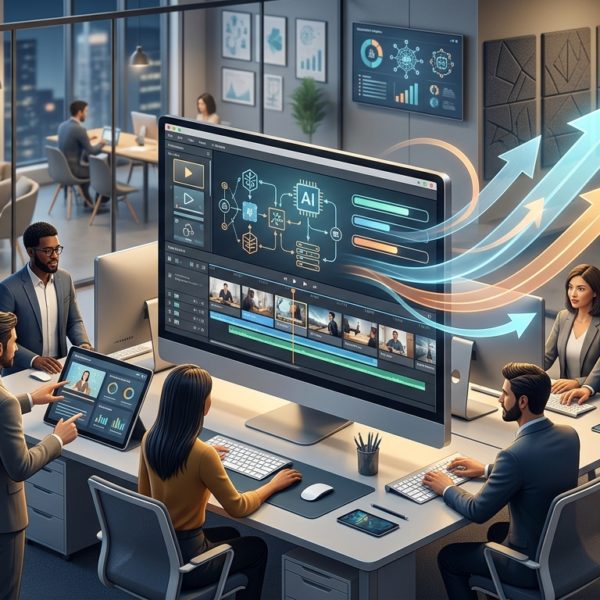
Integrating External Media in VTS Editor to Capture Attention and Measure Impact What do training managers or instructional designers expect from an e-learning module today? Attention, retention, reliable data to measure effectiveness, and controlled production in terms of time and budget. The integration of external media in VTS Editor (videos,...
Harness the E-Learning Slideshow Block in VTS Editor to Boost Engagement Looking to grab attention, craft a clear message, and produce quickly without sacrificing quality? In VTS Editor, the e-learning Slideshow block addresses all three challenges. In just a few minutes, you can align full-screen images, add a subtitle, choose...

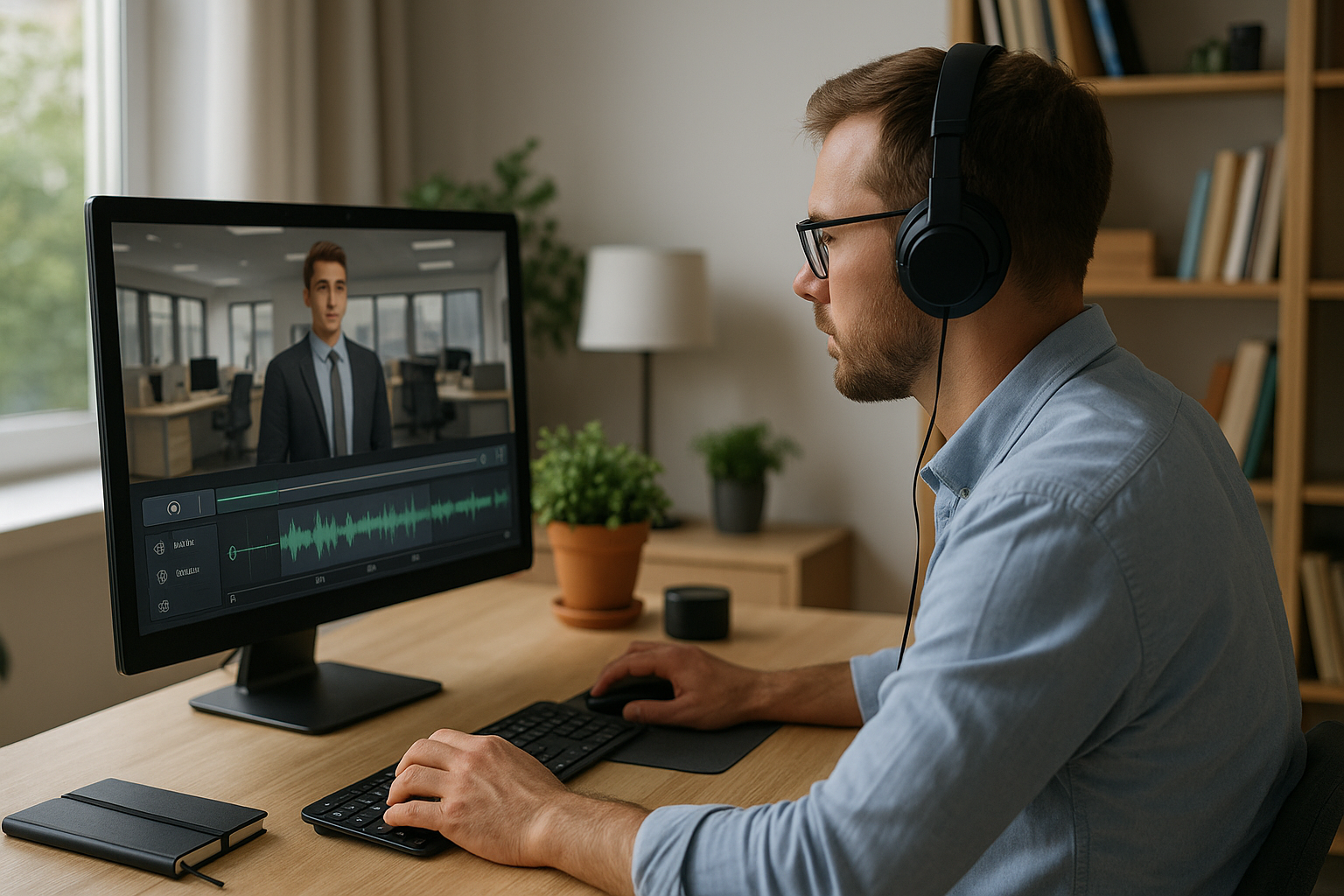
The VTS Editor E-learning Video, a Learning Accelerator For training or HR managers, the question is no longer “Should we use video?” but “How can we use it in a pedagogical, measurable, and scalable way?” Integrating VTS Editor e-learning video makes it possible to show, illustrate, provide context, and evoke...
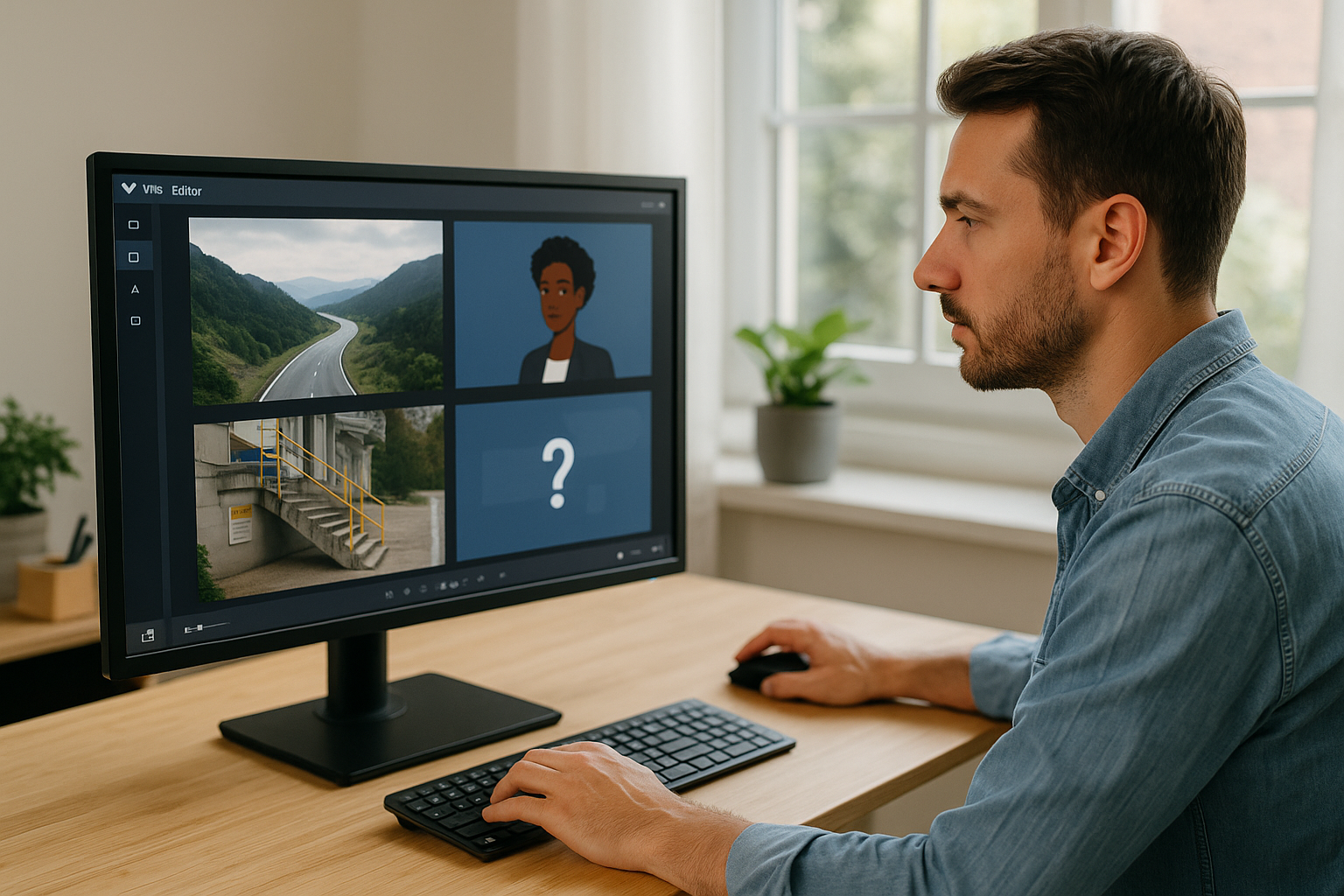
Improving E-Learning Navigation with the VTS Editor Go Back Block For a training manager, instructional designer, or HR professional, one question often arises: how do you give learners freedom without losing them? The VTS Editor Go Back Block addresses this challenge. In modern e-learning modules and serious games, exploration is...
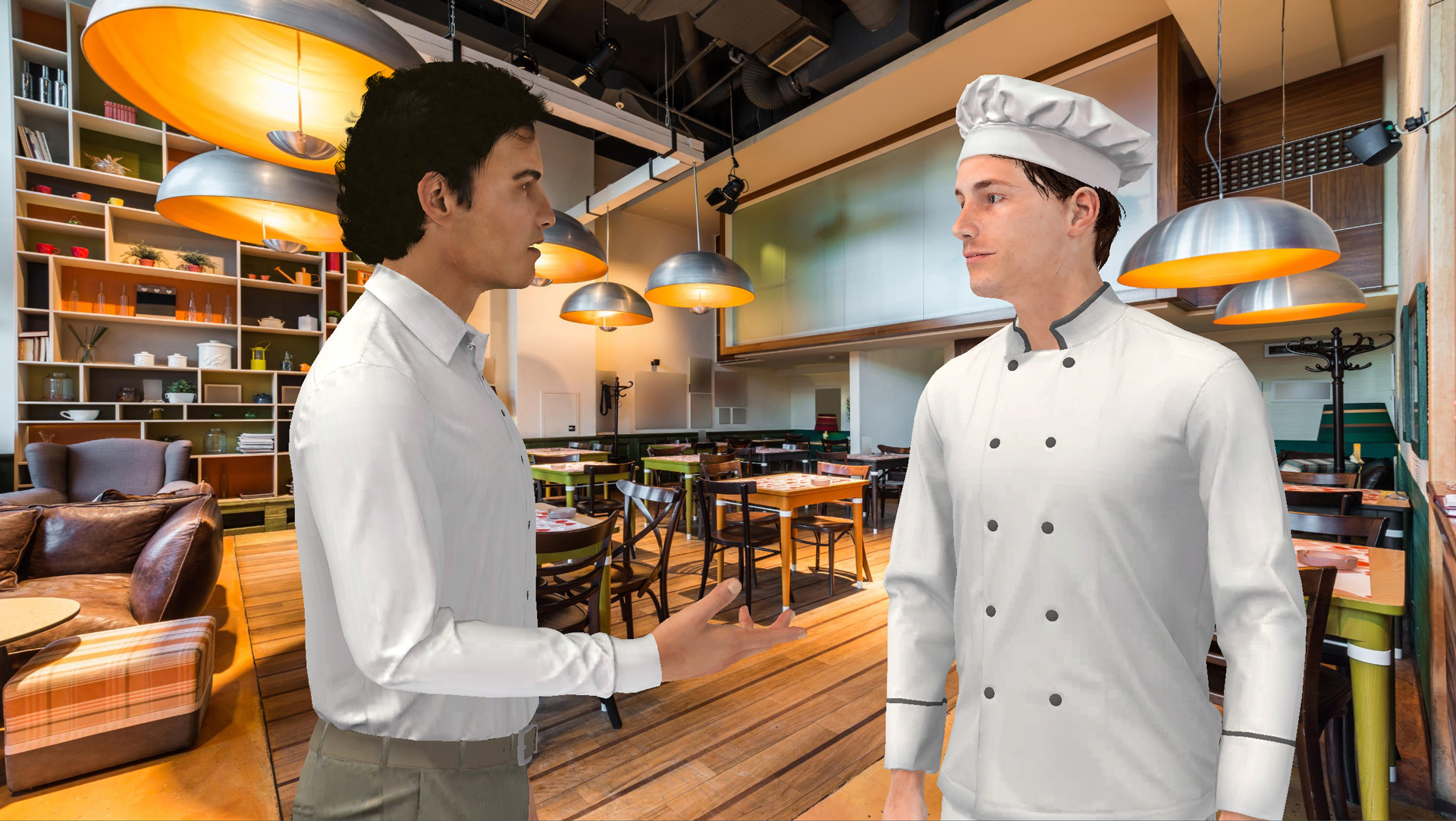
Why Choose the Speak Block in VTS Editor to Humanize Your E-learning Modules Context and Challenges of Interactive E-learning E-learning is no longer limited to static slides and basic quizzes. Today, it’s about creating engaging, memorable, and immersive learning experiences. The goal is to maintain the learner’s attention: Immersion: video,...