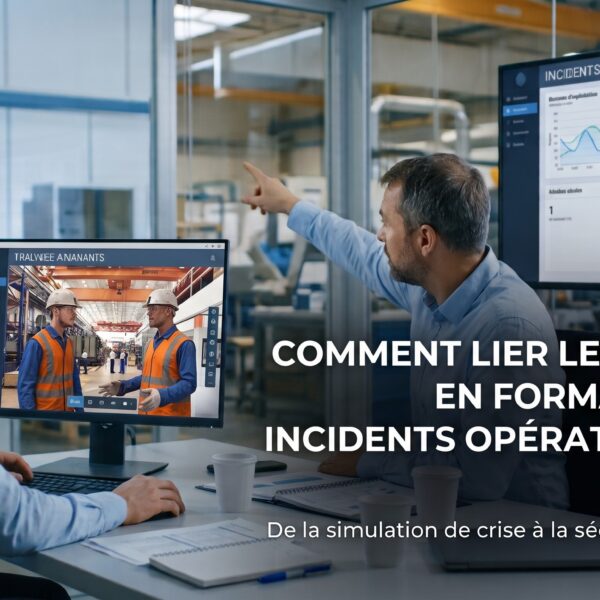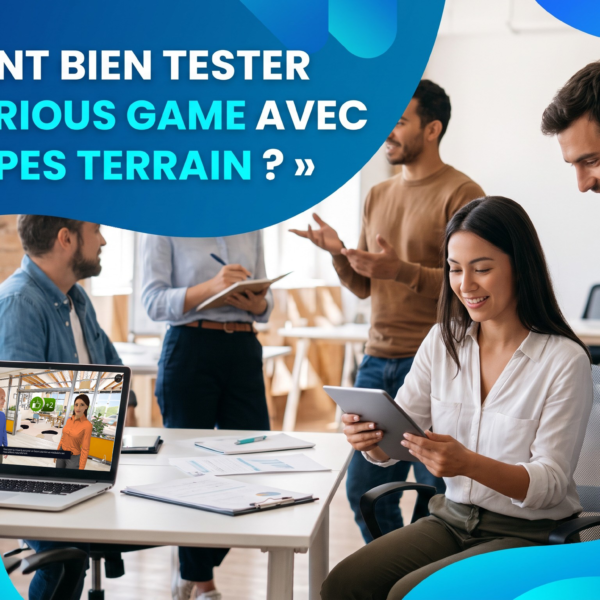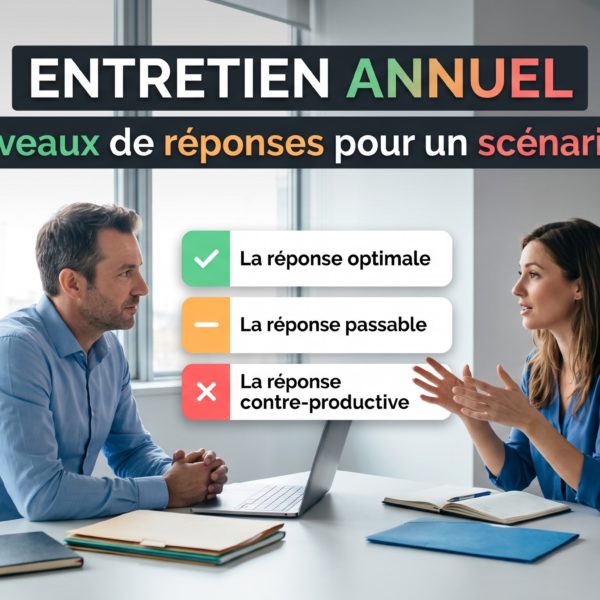



It is an interactive and realistic scenario where the learner makes decisions, sees the consequences, and receives immediate feedback. This approach transforms theory into operational skills in a safe and measurable environment.
Workplace Simulation:
Everything You Need to Know About This Innovative Training Tool
Everything You Need to Know About This Innovative Training Tool
Summary:
- What is a role-play scenario in e-learning and why use it?
- The 7 key benefits of role-play scenarios for corporate learning
- Top tools to create immersive role-play scenarios in e-learning
- Create effective role-play scenarios for your training modules
What Is a Scenario-Based Learning Activity in E-Learning and Why Use It?

Scenario-based e-learning is one of the most effective formats for turning theory into practical, job-ready skills.
It places the learner in an interactive and realistic scenario where their choices lead to visible consequences and immediate feedback.
This approach is a powerful way to develop both technical skills and soft skills in a safe, repeatable, and measurable environment.
Why Integrate Scenario-Based Learning into Training?
- Active engagement: the learner becomes the decision-maker.
- Stronger impact: learning by doing, with reinforced retention.
- Faster transfer: preparation for real-life situations without risk.
- Measurable outcomes: scores, progress, and data tracked in the LMS.
- ROI: reduced classroom training costs and accelerated upskilling.
Strategic Use Cases
- Onboarding and integration.
- Customer relations and sales (active listening, handling objections, pitching).
- Management and soft skills (feedback, conflict resolution, leadership).
- Compliance and safety (GDPR, HSE, cybersecurity).
- Production and quality (procedures, diagnostics, technical skills).
👉 For a complete guide with definitions, benefits, and client case studies, check out the article:
Scenario-Based E-Learning: Definition, Benefits, and Pedagogical Value
The 7 key benefits of role-play scenarios for corporate learning

E-learning role-play scenarios shift your teams from a passive posture (slides, videos) to an active posture.
In a safe and measurable environment, learners make decisions, observe consequences, receive immediate feedback, and develop skills directly transferable to the job.
No-code tools like VTS Editor make it possible to produce, deploy (SCORM/LMS), and scale these scenarios efficiently.
Why integrate role-play scenarios in corporate training
- Engagement & immersion: frequent decisions, visible emotions, sustained attention.
- Pedagogical effectiveness: active practice, contextualized feedback, better retention (testing effect).
- Business impact: faster upskilling, fewer errors, higher service quality.
- Measurement: progression, competency scores, attempts, time — fully trackable in the LMS.
- Scalability: no-code scenarios, multi-site and multilingual deployment, agile updates.
Priority use cases
- Onboarding: culture, key procedures, safety reflexes.
- Customer relations & sales: active listening, objection handling, closing.
- Management: feedback, mediation, leadership.
- Compliance & HSE: GDPR, cybersecurity, workplace safety.
- Operations & quality: standards, diagnostics, procedures.
Learn more
Explore the 7 key benefits, design tips, and concrete case studies in the full article:
👉
The 7 key benefits of role-play scenarios for corporate learning
Top tools to create immersive role-play scenarios in e-learning
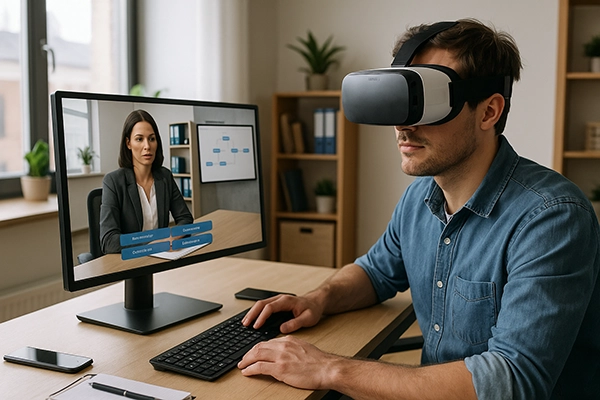
E-learning scenario tools are essential to transform digital training into immersive and engaging experiences.
They enable the design of interactive, credible, and measurable scenarios that place learners in an active role rather than passive recipients.
With features such as branching scenarios, gamification, 360°/VR environments and non-verbal communication, through characters, these tools enhance engagement, improve retention, and support the transfer of skills directly to the workplace.
Why these tools make the difference
- No-code authoring: quickly build learning paths without developers.
- Diverse interactions: branching dialogues, quizzes, drag-and-drop, clickable zones.
- Gamification & feedback: scores, badges, and contextual feedback that motivate learners.
- Immersive media: integration of images, videos, 360°/VR, and expressive characters.
- Interoperability: reliable SCORM/xAPI export and detailed LMS analytics.
- AI integration: save time with voice synthesis, translations, and scenario variations.
- Accessibility: multi-device compatibility, captions, contrast, and smooth navigation.
Examples of widely used tools
- VTS Editor: no-code solution focused on immersive simulation.
- Articulate Storyline 360: robust for complex branching scenarios.
- Adobe Captivate: responsive design and interactive 360° features.
- iSpring Suite: rapid authoring from PowerPoint with SCORM export.
- H5P: open-source interactive activities, easy LMS integration.
- CenarioVR / ThingLink: create 360° tours with interactive hotspots.
- Unity / Unreal: advanced 3D real-time engines for technical simulators.
Learn more
Explore the full overview of solutions, their benefits, and best practices in the detailed article:
👉
Top e-learning scenario tools: why they make the difference
Create effective role-play scenarios for your training modules

An effective role-play scenario goes far beyond a simple interactive quiz: it confronts the learner with real decisions, immediately shows the consequences of their choices, and stays aligned with business objectives.
This is what truly transforms behaviors and makes impact measurable in the workplace. With tools like VTS Editor, you can quickly create immersive, branching, and gamified scenarios that can be directly deployed in your LMS.
Why build strong role-play scenarios
- Measurable objectives: 2 to 4 observable skills linked to clear indicators.
- Authentic situations: real cases with high stakes (safety, compliance, management).
- Branching scenarios: multiple paths, “productive errors,” and immediate feedback.
- Credible dialogues: industry vocabulary, emotions, and non-verbal communication.
- Media & accessibility: audio, video, captions, and contextual resources.
Best practices in design
- Align each interaction with a specific business objective.
- Use varied formats: quizzes, branching dialogues, drag & drop, clickable zones.
- Incorporate realistic emotions and environments to enhance immersion.
- Alternate moments of tension and pauses to control pacing.
- Provide actionable feedback and replay options to reinforce learning.
Learn more
Discover the full methodology — from instructional design to implementation in VTS Editor — as well as real-world examples in the full article:
👉
Create effective role-play scenarios for your training modules
Virtual Training Suite
Create and deploy your immersive experiences
Download VTS Editor and discover the power of the Virtual Training Suite
to design Serious Games, gamified e-learning courses, role-play scenarios, and interactive presentations with LMS/SCORM tracking.
Download VTS Editor
Need help?
Schedule a demo
Contact us
FAQ – Scenario-based learning in e-learning
Active engagement, better retention through practice, faster transfer of skills on the job, fewer mistakes, and measurable tracking (scores, progress, time). It speeds up upskilling and improves ROI.
Onboarding, customer relations and sales (listening, objections), management (feedback, leadership), compliance (GDPR, HSE, cybersecurity), workplace safety, and operational quality (procedures, diagnostics).
VTS Editor for immersive no-code simulations, Articulate Storyline for branching scenarios, Adobe Captivate for interactive 360°, iSpring Suite for quick conversion, H5P for open-source activities, or Unity/Unreal for complex technical simulators.
Define 2 to 4 measurable skills, build authentic situations, use branching scenarios with productive errors, include credible dialogues, and provide contextual feedback and replayability.
Export your scenarios in SCORM/xAPI and integrate them into your LMS. VTS Perform or LMS analytics can track scores, progress, attempts, time spent, and badges to prove training effectiveness.
Scenario-based learning confronts learners with real decisions, aligned with business objectives, with visible consequences. Gamification adds points and badges, while a quiz only checks knowledge without immersion or behavioral impact.