


VTS Editor lets your L&D team create immersive, branching roleplay simulations with AI — so learners practice real-world situations before they face them.
After entering your email address, you will receive a message to verify it and continue filling out the trial request form.
No credit card required · Cancel anytime · Setup in 5 minutes


Immerse your learners in realistic simulations and involve them in concrete situations they will face in the field. With near-real conditions, learners acquire the confidence and skills to act appropriately in their professional environment.
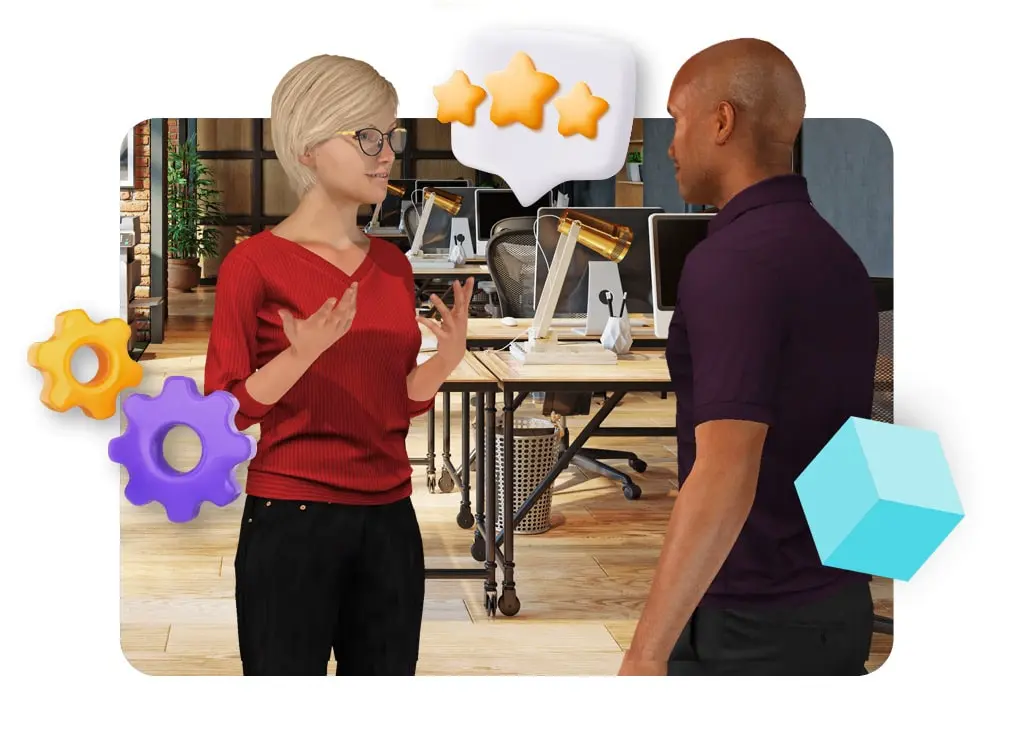
Drag and drop preconceived features — dialogues, slideshows, forms, quizzes, mini-games, progression systems, rewards — to build your scenarios without any technical skills.
Test VTS Editor →From onboarding to sales training — VTS Editor covers every use case with zero technical skills required.
Describe your training objective in plain language. AI generates branching dialogues, characters, and evaluation criteria in seconds.
400+ customizable characters, 100+ sceneries, and voice synthesis with 300+ voices in 25+ languages. Create diverse, representative learning environments.
Points, badges, skill scoring, and leaderboards are one click away. Drive engagement and measure progress automatically.
Create complex decision-based learning paths where each choice influences the outcome. Reproduce real workplace situations and develop skills through practice.
Upload any existing PowerPoint and VTS Editor automatically converts it into an interactive training module. Re-use your content in minutes, not days.
Generate 2D custom illustrations and scene backgrounds on demand. No stock library hunting — your visuals match your exact scenario and brand identity.
One-click SCORM and HTML5 export. Deploy to Cornerstone, Docebo, 360Learning, TalentLMS and more — zero configuration needed.
Localize your entire module — text, audio, UI — into 25+ languages with a single click. No external agency needed, no re-recording.
A built-in pedagogical advisor automatically detects design errors before you publish. Prevent common authoring mistakes and ensure quality at every step.
Before picking a winner, it's worth understanding what each tool was actually built to do — and where each one truly shines.
Focused on what matters most when building immersive, simulation-based learning.
| Feature | ⚡ VTS Editor | 🎬 Powtoon |
|---|---|---|
| AI scenario generationBrief → full scenario | ✓Full scenario from a brief — characters, dialogues, branches, scoring | ✕ No scenario generator — all scripts and structures are authored manually |
| Branching roleplayRealistic conversation trees | ✓Native — purpose-built for deep branching roleplay | ✕ Linear video format — no branching or learner decision-making possible |
| Realistic voice synthesisHuman-sounding, 25+ languages | ✓300+ natural-sounding voices, 25+ languages, auto-synced to characters | ⚬ Basic TTS available on some plans; voice quality and language range limited |
| Learner interactivityChoices, decisions, feedback | ✓Full interactivity — learners make decisions at every branch, receive instant feedback | ✕ Passive viewing experience — learners watch, not practice |
| SCORM / HTML5 exportAny LMS compatibility | ✓One-click SCORM & HTML5 — deploy to any LMS | ✕ No native SCORM export — content is shared as video or via Powtoon's own platform |
| Built-in gamificationPoints, badges, leaderboards | ✓Native — one click to add scoring, badges, skill tracking | ✕ No gamification engine — scores and progression cannot be tracked natively |
| Auto-translationFull module in 25+ languages | ✓Text, audio, and UI translated in one click — 25+ languages | ✕ No auto-translation — each language version requires a full manual re-production |
| LMS learner trackingIndividual progress & scores | ✓Full xAPI & SCORM tracking — completion, scores, branching paths per learner | ✕ No LMS tracking — video views are not reportable in a standard LMS environment |
| Animated explainer videosVisual storytelling | ⚬ Focused on interactive simulations — not designed for passive video production | ✓Excellent — intuitive timeline editor, rich animation library, polished output |
| Free trial | ✓30-day full-access trial · No credit card Try now | ⚬ Free plan available; Powtoon watermark displayed and exports are limited |
| PowerPoint importRe-use existing content | ✓Auto-converts your PPT slides into a ready-to-edit module in minutes | ⚬ PPT import available; output is a linear animation, not an interactive module |
| AI image generation2D visuals on demand | ✓Generate custom 2D backgrounds and illustrations from a text prompt | ✕ No native AI image generation — relies on built-in asset library |
| Dedicated Customer Success ManagerHuman support throughout | ✓Every plan includes a named CSM — onboarding, training, ongoing guidance | ✕ Self-service platform — no dedicated success manager included on standard plans |
| Pricing modelTransparent, volume-based | ✓Degressive pricing — discounts by volume and commitment. Unlimited modules. | ⚬ Freemium + per-user tiers; advanced features and exports locked behind higher plans |
These aren't our claims — they're recurring patterns from verified reviews on G2, Capterra and from L&D professionals who switched to VTS Editor.
Powtoon produces animated videos, which means learners are passive viewers. There is no decision-making, no branching, no feedback loop. Watching a roleplay video is not the same as practicing it — and retention reflects that.
Powtoon does not natively export to SCORM or xAPI. Content is shared as a video link or on Powtoon's own platform, making it impossible to track learner completion, scores, or progress inside a corporate LMS.
Every script, dialogue, and animation sequence must be written and produced manually. There is no AI engine to generate training content from a brief — making the production of complex, scenario-based learning extremely time-consuming.
Powtoon has no built-in scoring, badge, or leaderboard system. Since learners only watch content, there is nothing to track or reward — making it impossible to measure skill development or drive competitive engagement.
Deploying a Powtoon video in multiple languages means re-producing each version entirely — new voiceovers, new animations, new exports. For global L&D teams, this multiplies production costs and timelines with every language added.
The free plan adds a Powtoon watermark to all exported content — a professional barrier for corporate training. Moving to paid plans introduces per-user costs that scale quickly, and SCORM export remains unavailable even at mid-tier pricing.
Texts, images, musics and sounds, specifically designed for teaching and professional training — updated regularly for every learning style.
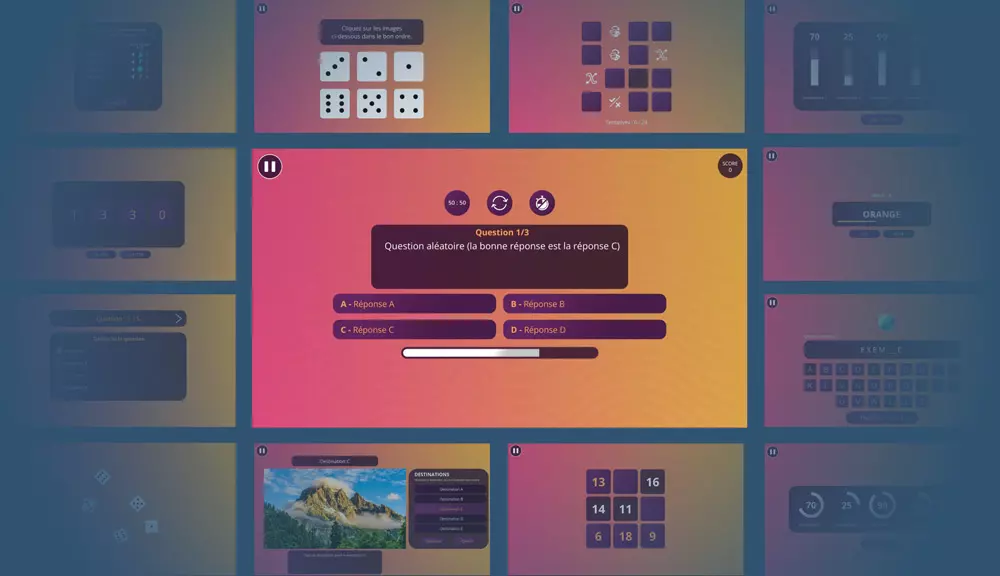
A Variety of Design Templates
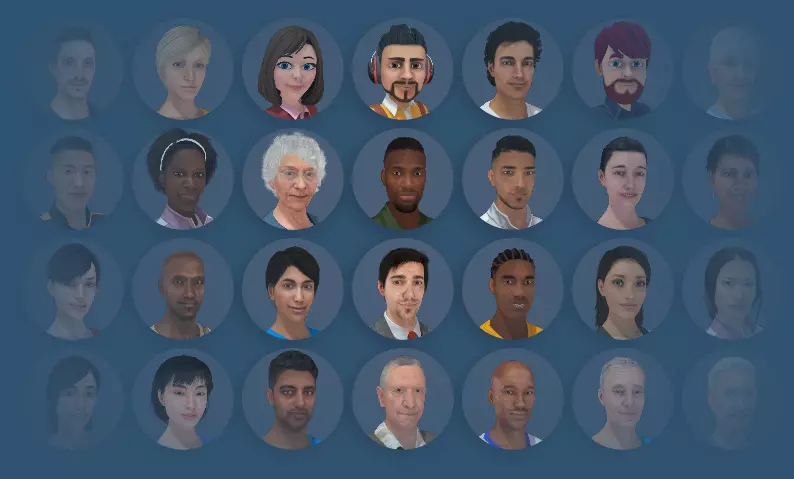
A Library of Scenery and Characters
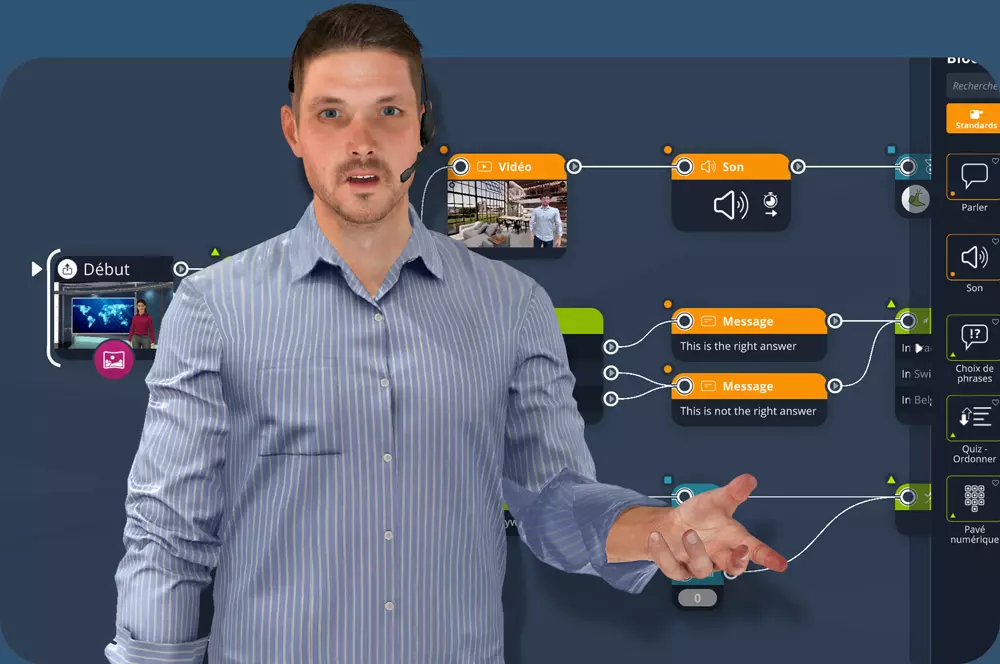
Video Tutorials & Guided Onboarding
The integration of artificial intelligence into our elearning course design tool opens up new prospects for the creation of pedagogical activities through a revolutionary digital transformation.
For instructional designers, using technological advances to exponentially increase both your productivity and your creativity is a choice that allows you to create more immersive, accessible, and personalized pedagogical formats.
Try VTS Editor →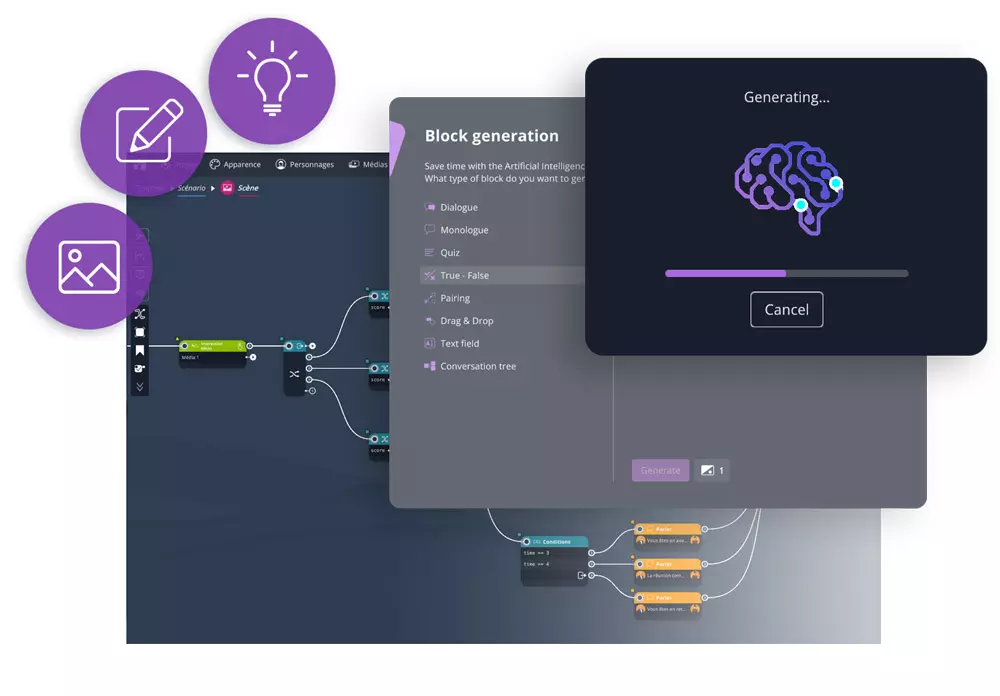
A sales training on handling a price objection: 5 decision branches, 3 characters, voice narration, learner scoring. Here's what it takes in each tool.
"We used Powtoon to produce onboarding videos — the animations looked great. But learners were just watching, not practicing. Switching to VTS Editor meant they actually make decisions in real scenarios. Our knowledge retention scores doubled in the first quarter."
"The problem with Powtoon for L&D was simple: no SCORM, no tracking. We had no visibility into who watched what or how they performed. VTS Editor plugs directly into our LMS — we now have full learner analytics on every simulation."
"Every time we updated a Powtoon video for a new market, we had to redo the whole production — new voiceover, new export, new link to share. VTS Editor's auto-translation and SCORM export means we now deploy in 8 languages in the same afternoon."
Unlike freemium video platforms where exports, branding removal, and advanced features are locked behind higher tiers, VTS Editor gives you the full toolkit from the start — plus a dedicated human on your side.
No credit card required · Full feature access from day 1 · Cancel anytime

If roleplay simulations, immersive scenarios, and soft-skills practice are your training challenge — VTS Editor was built for exactly this.

After entering your email address, you will receive a message to verify it and continue filling out the trial request form.
No credit card required · Cancel anytime · Setup in 5 minutes
30-day free trial · No credit card · Full feature access · Cancel anytime